
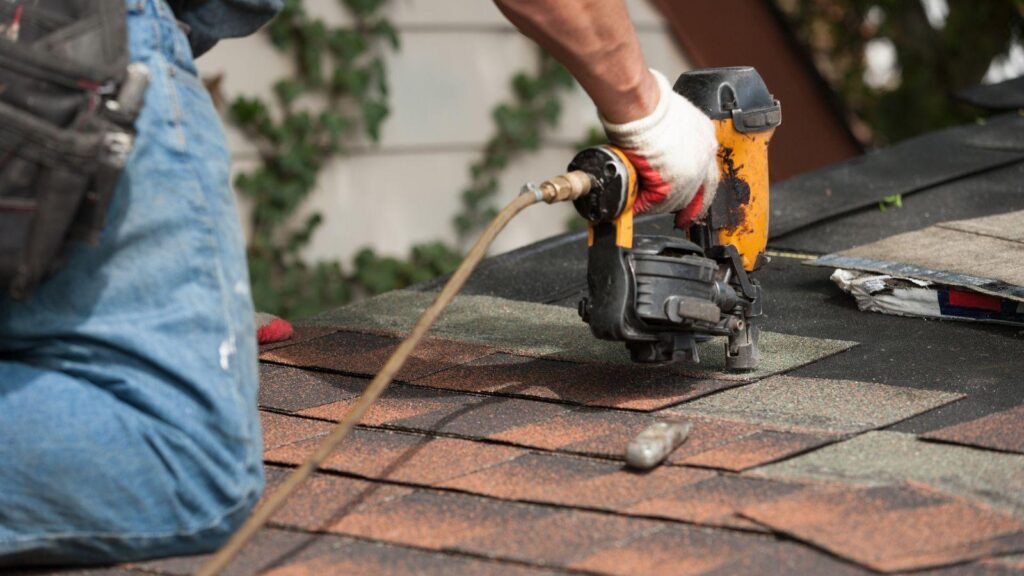
The debate between mobile apps and desktop systems isn’t really a technology argument — it’s a workflow argument. And for roofing crews specifically, the question has a more practical answer than most software vendors want to admit. What a project manager needs while reviewing contracts at the office is fundamentally different from what a crew lead needs while standing on a job site in direct sunlight, trying to pull up an inspection checklist with gloved hands.
The honest answer is that preference depends on the role. But across the field, mobile is winning — and it’s not particularly close.
Why Desktop Still Has a Place in Roofing Operations
Before writing off desktop entirely, it’s worth acknowledging what it actually does well. Office staff handling estimates, contracts, and customer follow-ups tend to prefer a full screen. Detailed proposals are easier to build on a keyboard. Payment tracking, report generation, and scheduling multiple crews across a week — these tasks benefit from the kind of overview that a 27-inch monitor provides.
For office-based roles in a roofing company, desktop systems remain the more comfortable environment. The problem is that roofing isn’t primarily an office job. The majority of the work — inspections, measurements, material delivery coordination, photo documentation, crew communication — happens outside, often on rooftops, in driveways, and at supplier yards. Desktop systems are simply out of reach for most of that.
What Field Crews Actually Run Into With Desktop-First Tools
When a company’s primary job management system is desktop-based, field crews develop workarounds. Someone screenshots the job details before leaving the office. Another person keeps a paper notepad for measurements. Photos get texted to the office manager to upload manually. These workarounds feel minor until you realize how much time they consume across a season — and how many errors they introduce.
The more persistent problem is the lag between what’s happening in the field and what’s reflected in the system. A crew finishes a job, but the status doesn’t update until someone gets back to a computer. A material shortage gets discovered on-site, but the information doesn’t reach the estimator until the end of the day. Desktop-first workflows create an information delay that mobile apps largely eliminate — not by adding complexity, but by putting the system where the work actually is.
Where Mobile Apps Genuinely Outperform in the Field
Purpose-built mobile apps for roofing and construction aren’t just shrunken desktop interfaces. The better ones are designed around what crew members actually need in the field: quick photo uploads tied directly to a job record, offline functionality for sites with poor signal, digital signatures for work orders, and real-time status updates that the office can see without waiting for a phone call.
A few areas where mobile tools consistently outperform desktop for field use:
- Photo documentation: Capturing and attaching photos to a specific job file from the roof, in the moment, eliminates the lost-photo problem entirely
- Customer communication: Sending a quick job update or completion notice from a mobile app keeps customers informed without pulling crew members off-task
- Inspection checklists: Digital forms on a phone or tablet replace paper that gets wet, lost, or illegible
- Time tracking: Clock-in and clock-out from the field produces more accurate labor data than end-of-day reconstruction
For companies that want to see how field-focused job management works in practice, learn more about JobNimbus — the platform is built specifically around the way roofing and exterior contractors actually operate, with mobile tools that connect directly to estimating, CRM, and payment processing.
The Setup That Actually Works for Most Roofing Companies
The most functional approach isn’t mobile-only or desktop-only — it’s a system that does both well and keeps them in sync. Field crews use mobile for job updates, photo capture, material notes, and customer sign-offs. Office staff use the desktop view for scheduling, reporting, and account management. When both sides are pulling from the same platform, the information gap closes.
What causes the most friction isn’t the choice of device — it’s using tools that weren’t designed with field crews in mind. Generic project management platforms built for office environments tend to underserve construction workflows regardless of whether you access them on a phone or a computer. The companies that get the most out of their software are the ones that chose platforms built for their trade, not platforms they’ve adapted to fit.
For roofing contractors, that distinction is worth more than any feature list.

Vrynthorin Zylkal brings a unique blend of storytelling and analytical insight to their coverage of emerging technologies and digital culture. With a passionate focus on the intersection of technology and society, they explore how innovations shape our daily lives. Their writing style combines clear technical explanations with engaging narratives that make complex concepts accessible to all readers.
Known for their deep dives into digital transformation trends, Vrynthorin approaches topics with both curiosity and critical thinking. Away from the keyboard, they enjoy urban photography and collecting vintage computing artifacts – hobbies that inform their perspective on technological evolution.
Their articles reflect a balanced view of technology’s impact, helping readers navigate the rapidly changing digital landscape while maintaining a human-centered approach.